Convert eSIM QR Code to MikroTik RouterOS Command
Upload the eSIM QR code image provided by your telecom operator to decode the activation data and generate a copy-ready MikroTik RouterOS command. This helps you quickly add an eSIM profile to a compatible MikroTik LTE router without manually typing long activation strings.
RouterOS command
Copy this command and paste it into your MikroTik RouterOS terminal to add the eSIM profile.
MikroTik Hardware Supporting eSIM
These MikroTik routers support eSIM functionality and can be configured using the commands generated by this tool:
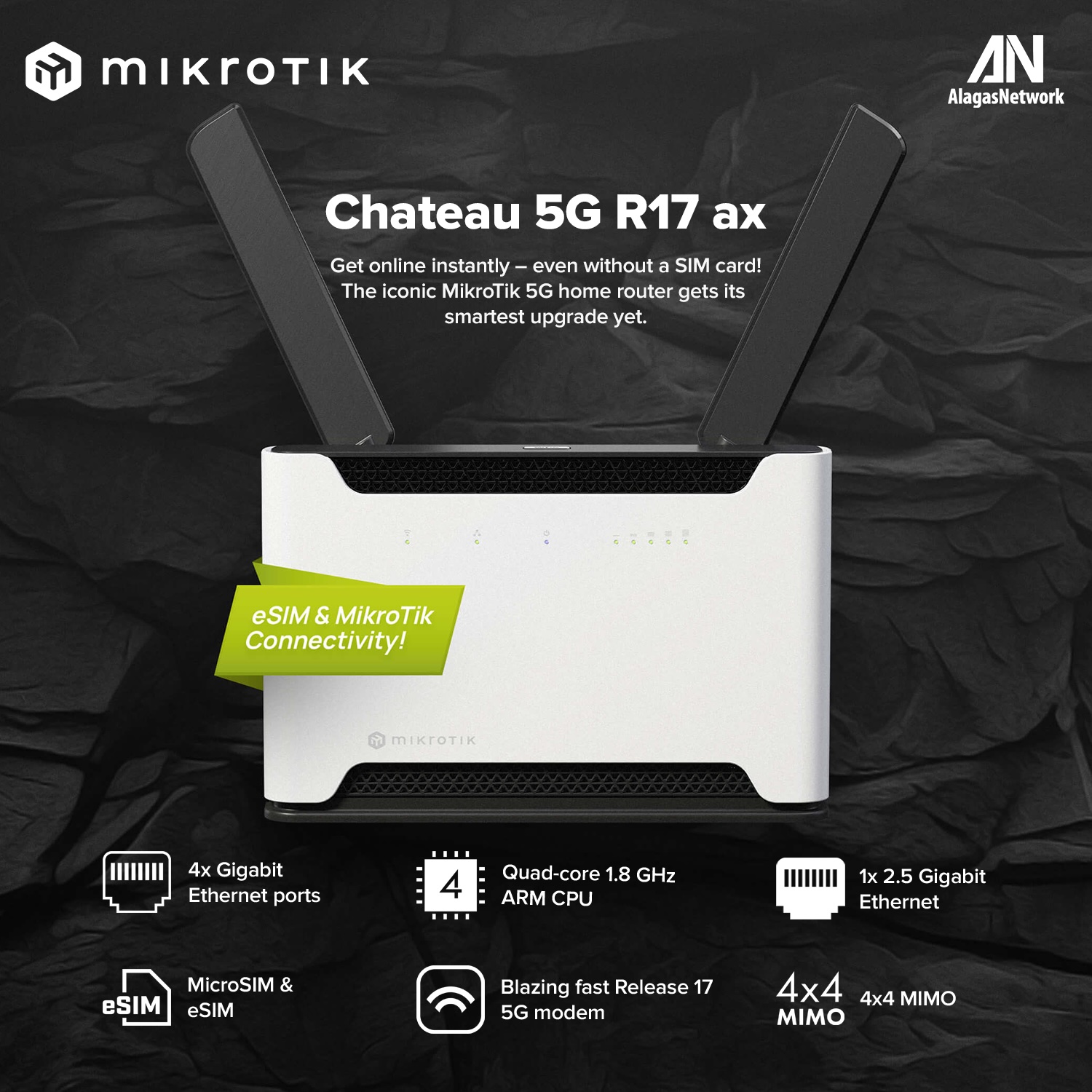
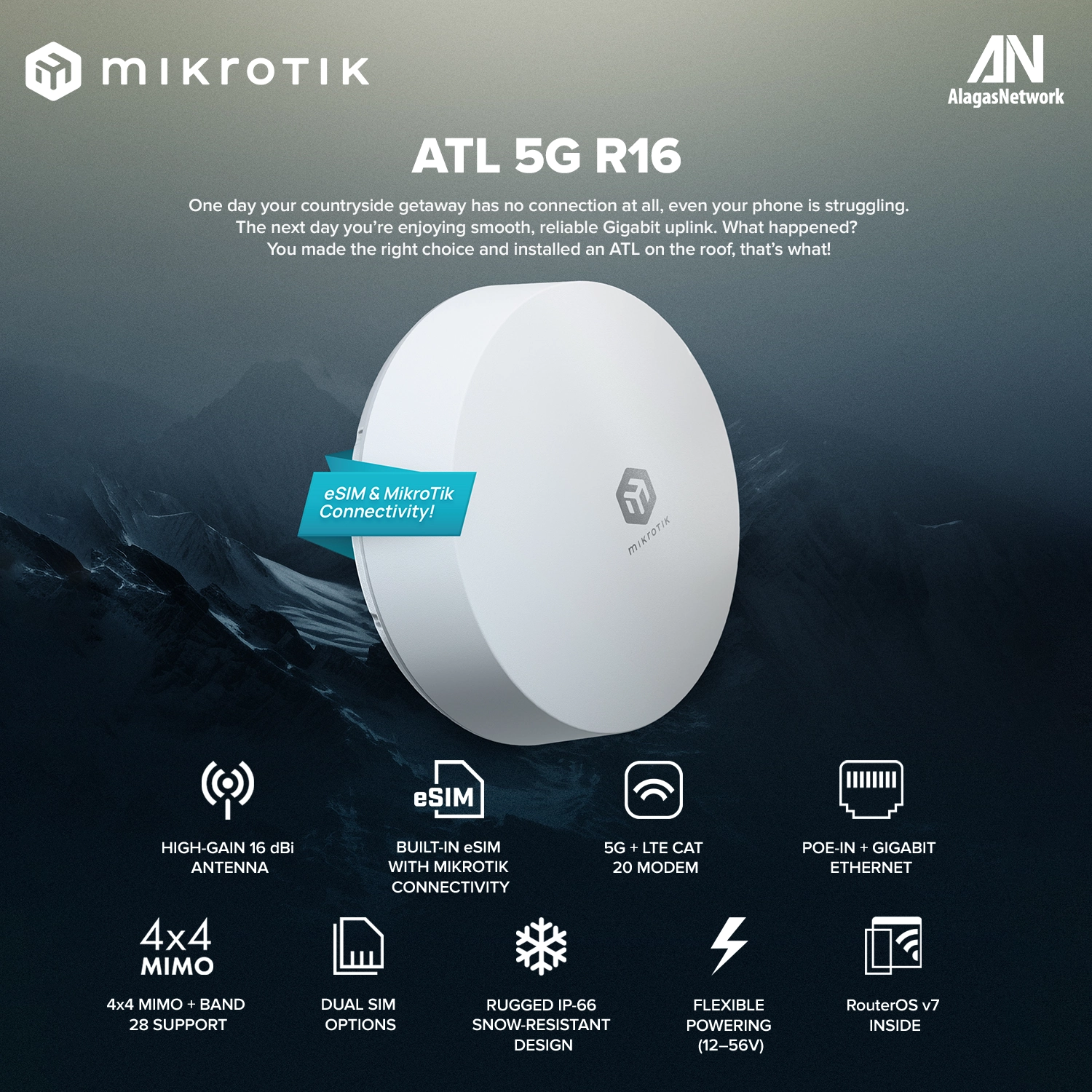
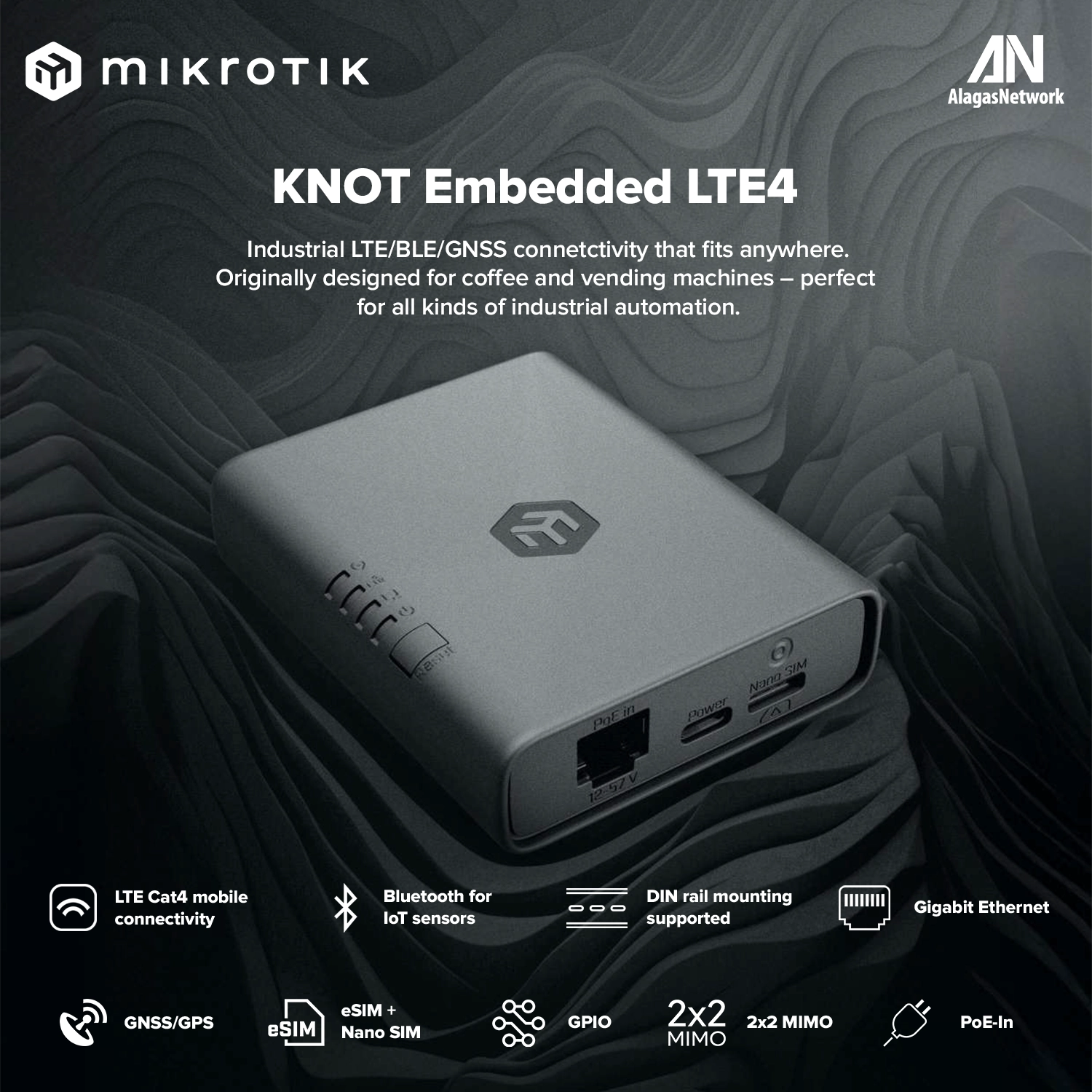
Visit the product pages to learn more about each device's specifications and eSIM capabilities.
How this eSIM QR converter works
The tool reads the eSIM activation information embedded in the QR code, validates the image upload, and returns a MikroTik RouterOS command that can be copied directly into the router terminal.
Use this when your telecom operator gives you an eSIM QR code and you need to install the profile on a MikroTik router that supports LTE eSIM profiles.